D5 - Render a list in Vue 3
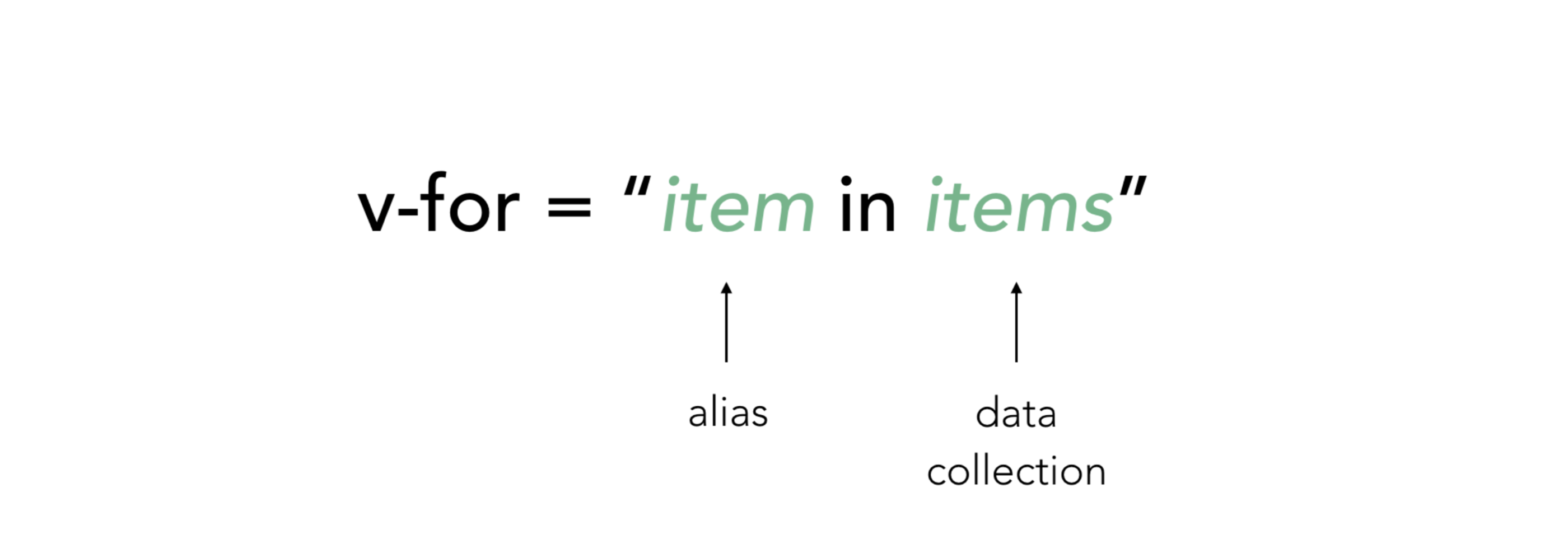
We can use the v-for directive to render a list of items based on an array. The v-for directive requires a special syntax in the form of city in cities , where cities is the source data array and item is an alias for the array element being iterated on
<script setup>import { ref } from 'vue'const parentMessage = ref('Parent')const items = ref([{ message: 'Foo' }, { message: 'Bar' }])</script><template> <li v-for="(item, index) in items"> {{ parentMessage }} - {{ index }} - {{ item.message }} </li></template>It’s all JavaScript
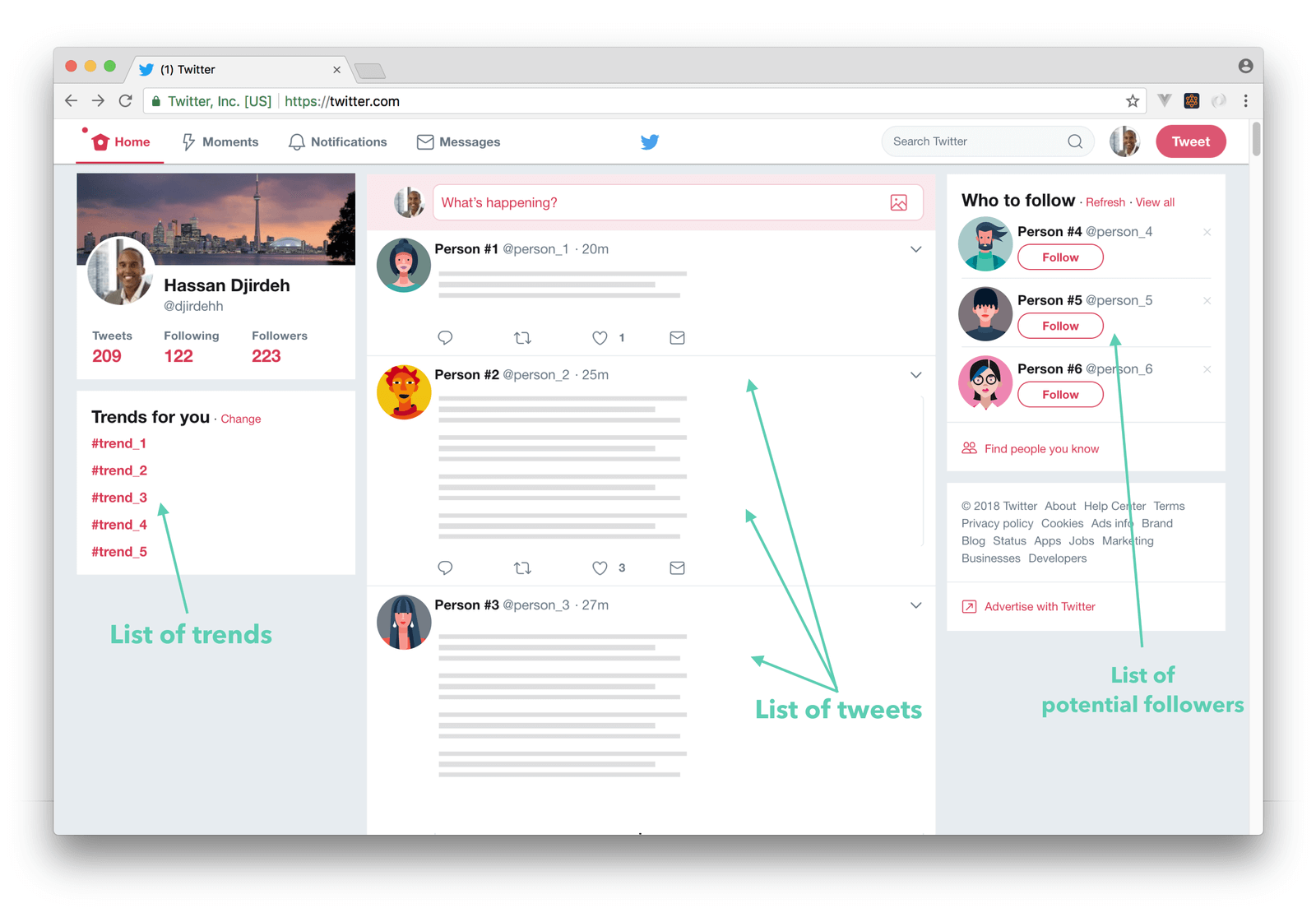
This is a built-in Vue directive that lets us include a loop inside of our template, repeating the rendering of a template feature for each item in an array.
The variable scoping of v-for is similar to the following JavaScript:const parentMessage = 'Parent'const items = [ /* ... */]items.forEach((item, index) => { // has access to outer scope `parentMessage` // but `item` and `index` are only available in here console.log(parentMessage, item.message, index)})Static way
Old way, hard code everything,
<script setup></script><template> <ul> <li>1</li> <li>10</li> <li>100</li> <li>1000</li> <li>10000</li> </ul></template>Dynamic way
Use JavaScript feature through vuejs.
<script setup>import { ref } from 'vue'const numbers = ref([1, 10, 100, 1000, 10000])</script><template> <ul> <li v-for="num in numbers">{{num}}</li> </ul></template>Usage
Note:
Key is necessary
Table of Contents